

Ausmed is a Trusted Information Partner of Healthdirect Australia. Verify here.


© 2026 Ausmed Pty Ltd (ABN: 33 107 354 441)
Schedule, enrol and mark attendance for in-person, virtual and hybrid sessions in the same system your staff already use for online learning.
Get a demo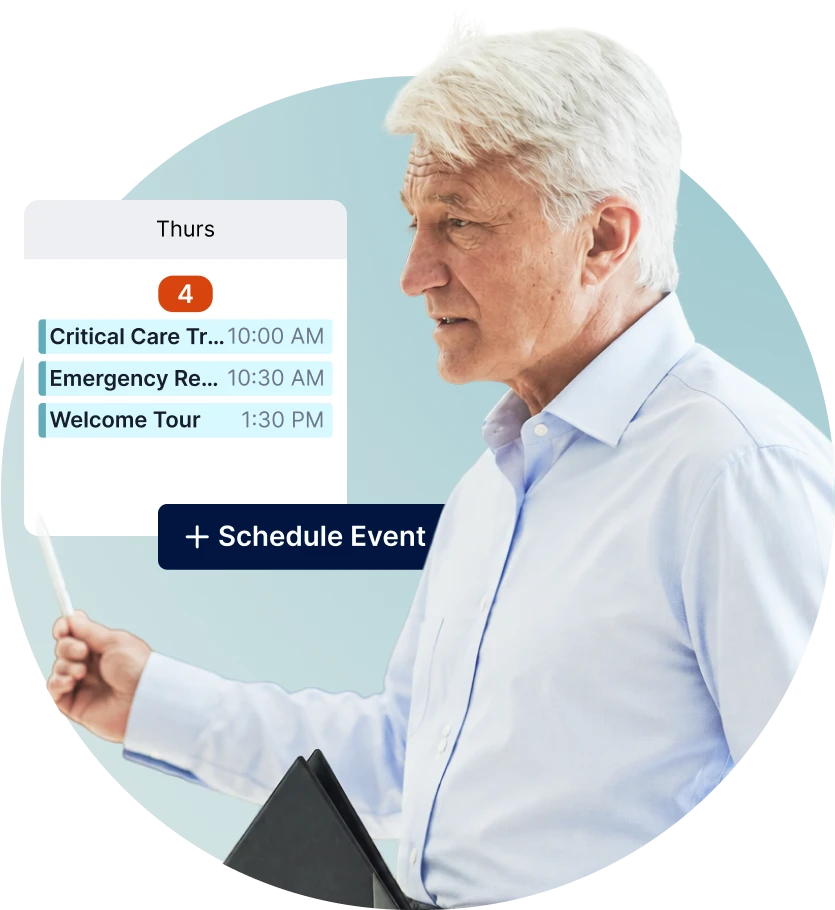
Run orientation days, practical refreshers and PD series from one calendar. Watch how each kind of session lands on it.
Request a demo| Mon | Tue | Wed | Thu | Fri | Sat | Sun |
|---|---|---|---|---|---|---|
| 1 | 2 | 38:30 Orientation | 4 | 5 | 6 | 7 |
| 8 | 9 | 10 | 11 | 12 | 13 | 14 |
| 15 | 16 | 178:30 Orientation | 18 | 19 | 20 | 21 |
| 22 | 23 | 24 | 25 | 26 | 27 | 28 |
| 29 | 30 | 318:30 Orientation | 1 | 2 | 3 | 4 |
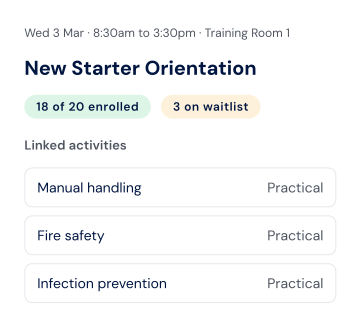
Run onboarding with the same program each time, and complete several practical activities from one day.
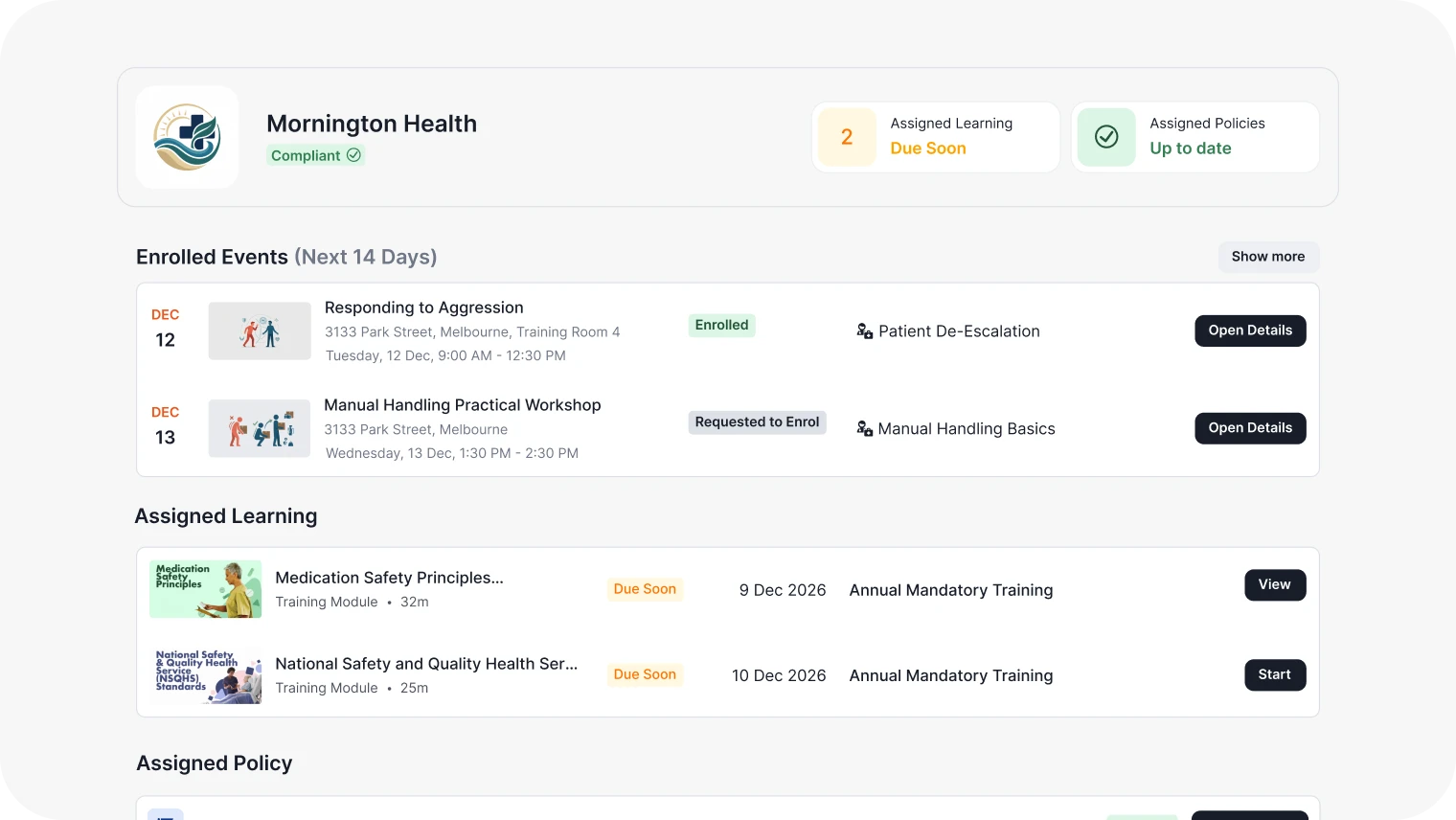
Manual handling, CPR, orientation and de-escalation are learned hands-on, with a facilitator and a group. Ausmed Events™ brings that training into the same system as everything else your staff learn, so planning a session, filling it and showing it happened no longer runs across spreadsheets, inboxes and paper sign-in sheets.
“Event Management in Ausmed is an absolute game-changer! It's been really encouraging to see the excitement from our managers about what this means for their teams and their current training processes.”
May Erive, Learning & Development Coordinator at Montefiore
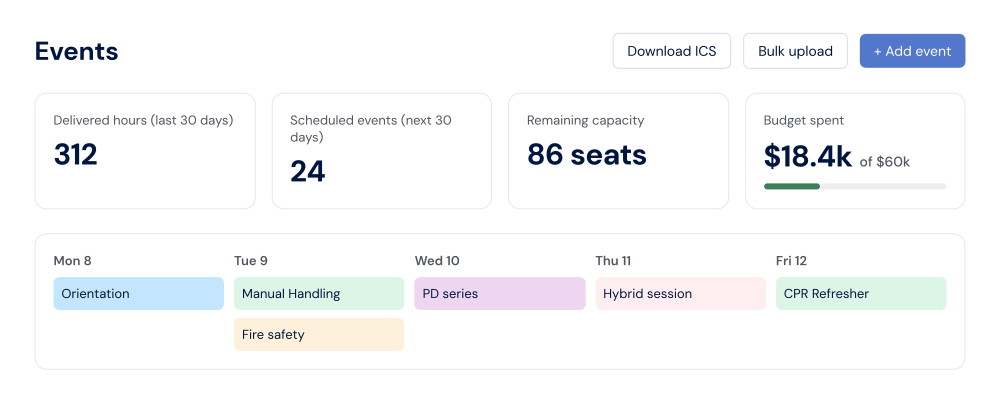
Load months of sessions at once with a bulk CSV upload. See delivered hours, upcoming sessions and remaining seats at a glance, and set an annual training budget to track cost per event or per attendee. Download the calendar as an ICS file to add sessions to Outlook or Google Calendar.
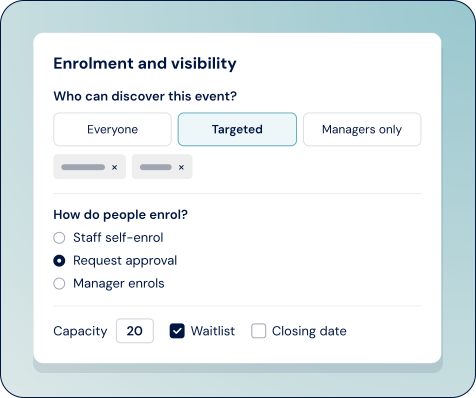
Choose who sees each session (everyone, a group, or managers only) and how people join: staff self-enrol, request approval, or are enrolled by their manager. Set capacity, a closing date and a minimum number. If a session is short of its minimum, the event owner hears in time to act. When someone drops out, the next person on the waitlist moves in.
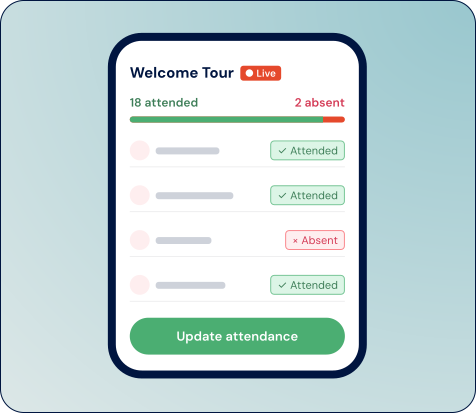
Facilitators see their upcoming sessions and mark attendance on a phone or tablet. They sign in with a code sent to their email, so there's no password to remember.
Link a session to a practical activity in your training plans. Once attendance is finalised, the activity is marked complete on each attendee's profile, dated to the day of the session. One session can complete several activities, which suits orientation days. Sessions you didn't link keep their attendance record, so you can link them later.
Need to assess competence, not just attendance? See Ausmed Competency™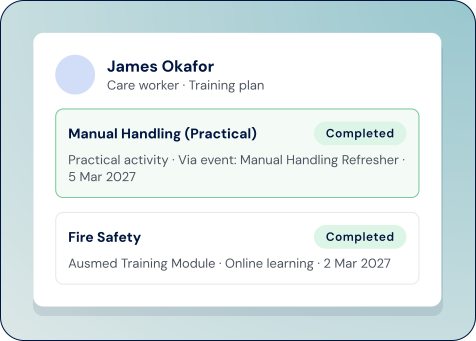
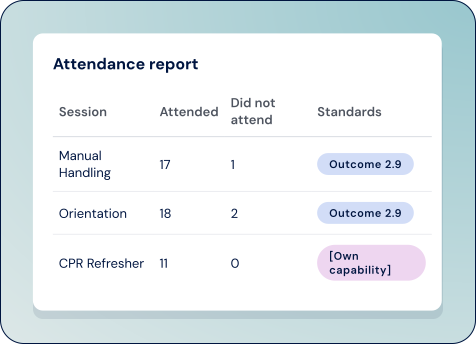
Attendance reports show who attended and who didn't, session by session. Tag sessions against regulatory standards, your own standards or capabilities, so face-to-face training sits against the requirement it supports.
Shaped by care providers who ran real sessions through it before launch.

Staff find, enrol in and look back on sessions through My Events, Discover and Past Events, in the Ausmed account they already use.

Reminders go out a week and a day before each session, and updates and cancellations reach everyone enrolled.

Face-to-face attendance sits on the same staff profile as online learning, practical activities and, where you use them, Ausmed Perform™ tasks and Ausmed Policy™ acknowledgements. One place to see where each person stands.



Ausmed Events™ keeps a dated record of who attended which session, against which requirement. That's the evidence of staff training you're asked for under Outcome 2.9 of the Strengthened Aged Care Quality Standards, the human resource management requirements in the NDIS Practice Standards Core Module, and NSQHS Action 1.20 on education and training.
Request DemoAusmed Events™ is how care providers schedule, enrol and track attendance for face-to-face, virtual and hybrid training in Ausmed. Sessions, enrolments and attendance sit alongside your staff's online learning, and attendance can complete the practical activities in their training plans.
Link a session to one or more practical activities. When attendance is finalised, those activities are marked complete on each attendee's profile, dated to the session. Non-attendees stay on the record.
No. Attendance shows someone was there. To assess whether they can perform a skill, pair the session with a competency assessment in Ausmed Competency™ or a practical activity signed off by an assessor.
Facilitators mark attendance in the Ausmed Manager App, signing in with an emailed code. Admins and managers can also mark it in Ausmed, and you can switch off facilitator marking if you prefer.
You can download the Ausmed calendar as an ICS file and add it to your own calendar. Staff also get email reminders a week and a day before each session. Two-way sync isn't available yet, and we're exploring calendar integrations.
Yes. Programs hold resources for before, during and after a session, plus an optional survey. Ausmed records when staff open a resource, not whether they finish it, so use the practical activity for sign-off.
Ausmed is a Trusted Information Partner of Healthdirect Australia. Verify here.