

Ausmed is a Trusted Information Partner of Healthdirect Australia. Verify here.


© 2026 Ausmed Pty Ltd (ABN: 33 107 354 441)
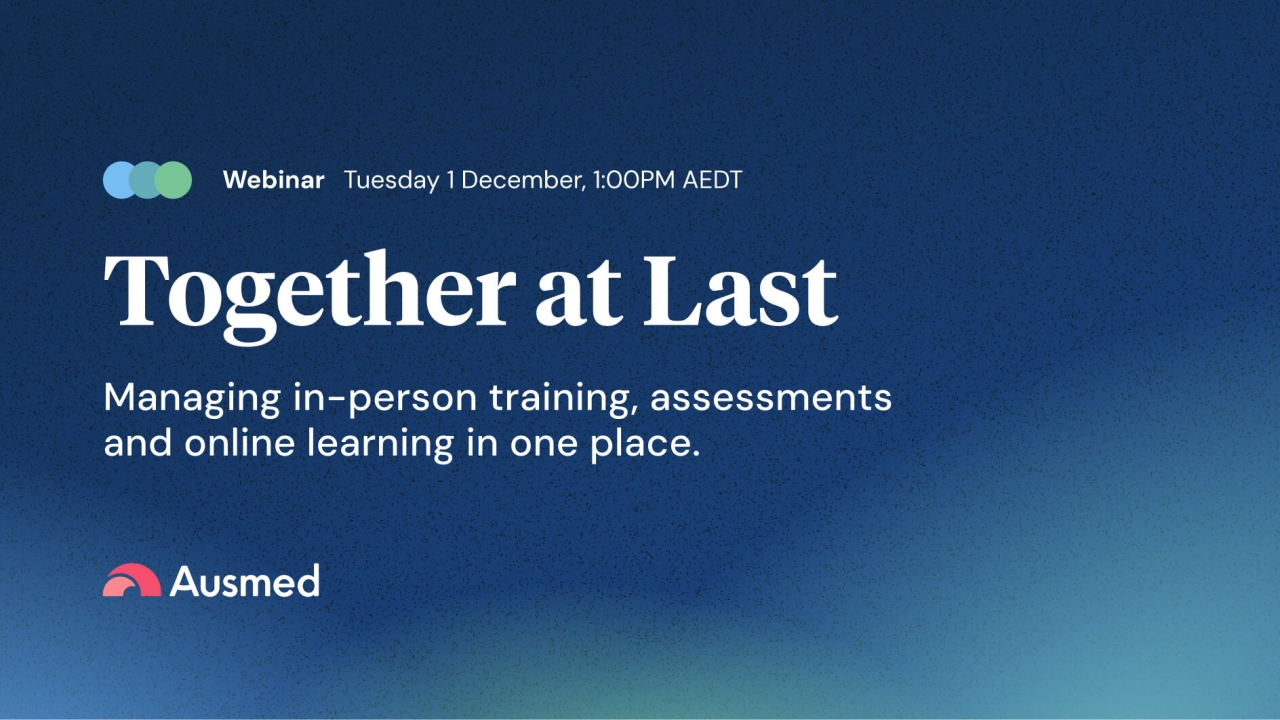
Bring the scheduling, attendance and assessment records for in-person training into the same place as your online training, so when an auditor asks for the full picture, it's already there.
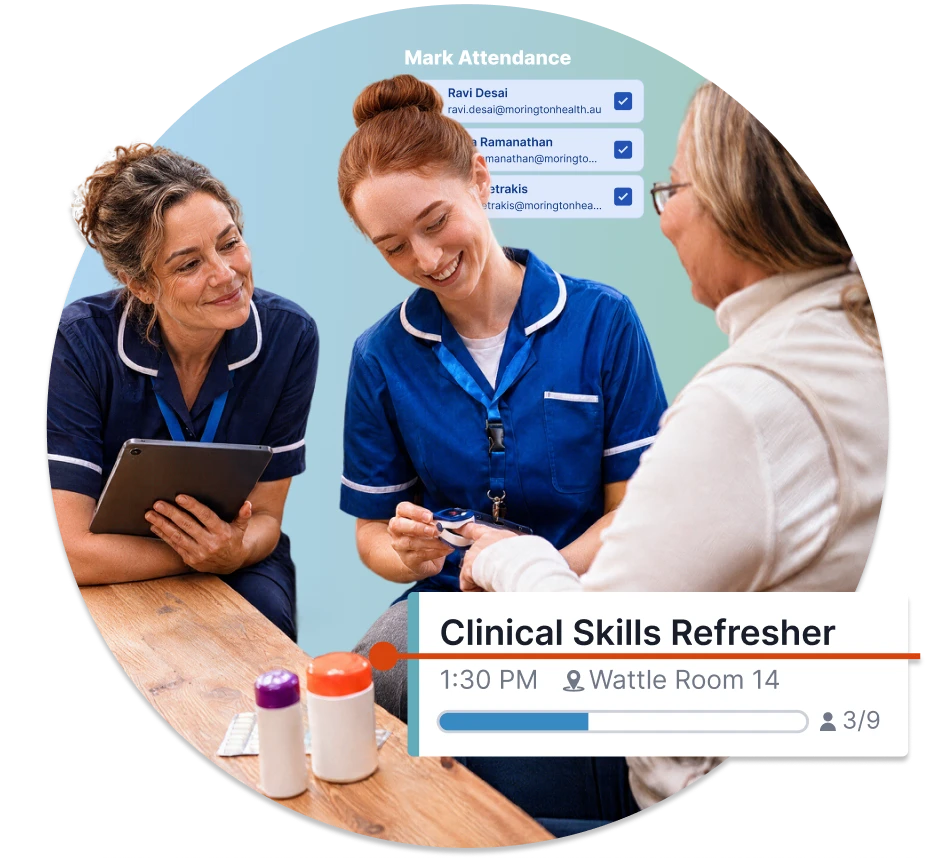
Each part has a clear job. Ausmed Events™ runs the session, Ausmed Learn™ holds the record, and Ausmed Competency™ shows the skill was observed.
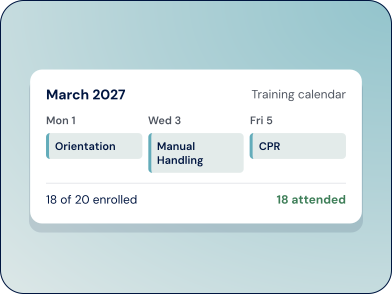
Schedule in-person, virtual and hybrid sessions, manage enrolments and waitlists, and mark attendance in the room.
Explore Ausmed Events™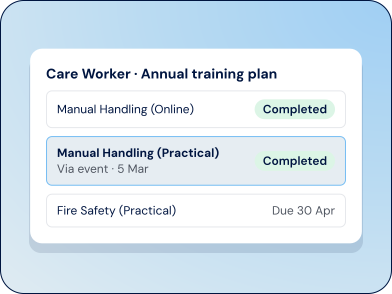
Practical activities sit in your training plans next to online learning. When attendance is finalised, the activity is marked complete, dated to the session, so the training record is complete without re-keying anything.
Explore Ausmed Learn™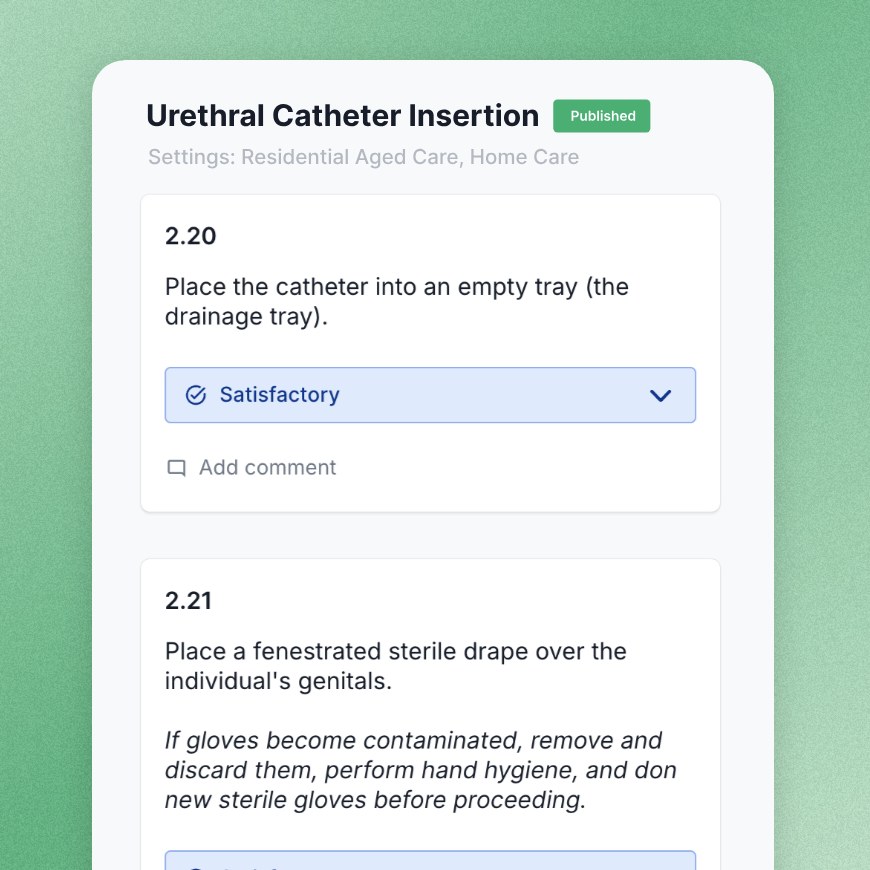
Replace paper checklists with digital assessments. Assessors observe staff at the bedside or wherever care happens, record the outcome against defined criteria and sign off in the app.
Explore Ausmed Competency™Many of the most important capability-building moments in an employee's working life happen in person. A group training session in the staff room. A carer performing a skill while an assessor watches and decides whether they're competent. A supervisor observing practice on the floor and noting what they saw.
Booking people in, chasing attendance, printing assessment sheets, scanning the results, and then digging through spreadsheets and filing cabinets when an auditor asks for proof. That isn't a failing of your team. It's what happens when the in-person side of training doesn't have a proper system.
 Booking people in and chasing attendancePrinting assessment sheets and scanning the resultsDigging through spreadsheets and filing cabinets for proof
Schedule sessions, enrol staff and manage waitlists in one place. When someone drops out, Ausmed automatically enrols the next person on the waitlist. It also alerts you when a session is under-enrolled, and staff can add sessions to their own calendars, so you stop maintaining a spreadsheet alongside your emails.
Explore Ausmed Events™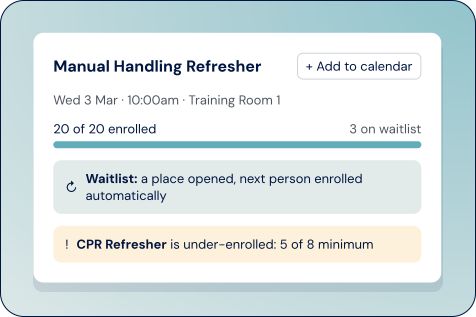
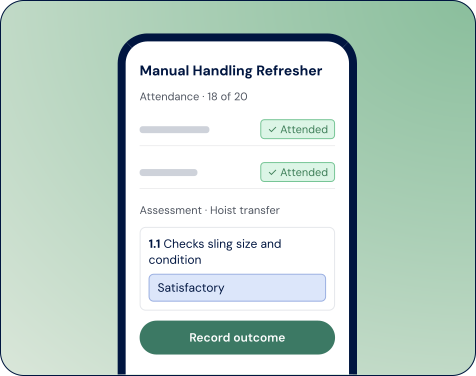
Facilitators mark attendance, and assessors record competency outcomes on the app as they observe. There's nothing to print, scan or type up afterwards. External facilitators can do it too, without needing a login.
Manual Handling (Practical) is on every care worker's annual training plan.
Linked to the practical activity. 18 enrol, 3 join the waitlist.
The facilitator marks the room on a tablet and finalises attendance.
Marked complete on each attendee's training plan, dated to the session.
An assessor watches a hoist transfer at the bedside and records the outcome.
Who completed the requirement, who was assessed, the outcome and the date.
Every attendance record and assessment is timestamped and sits alongside your online training, tagged against the relevant Standard. When an auditor asks, you have one source of truth instead of piecing it together from three different places.
Explore Ausmed Learn™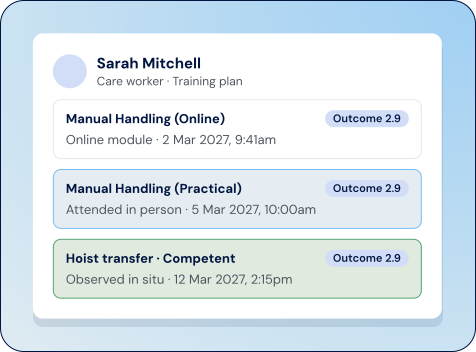
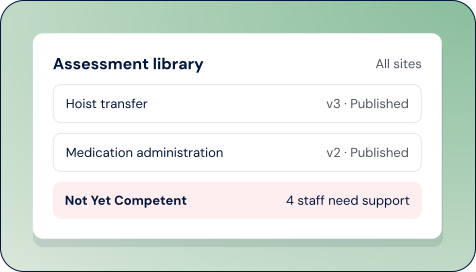
Start from a template, or build your own. A central, version-controlled library means every assessor at every site judges against the same criteria, and you can see straight away who is Not Yet Competent and needs support.
Explore Ausmed Competency™Tuesday 1 December at 1:00 PM AEDT
 Michelle WickyChief Customer Officer
No. Attendance shows someone was there. To show they can perform the skill, pair the session with a competency assessment in Ausmed Competency™, where an assessor observes them and records the outcome.
In Ausmed Learn™. Face-to-face training is a practical activity in each person's training plan, next to their online learning. Ausmed Events™ runs the session and marks attendance, and when attendance is finalised the practical activity is marked complete, dated to the session.
Only if you need to show a skill was observed, not just that training was attended. Ausmed Events™ and Ausmed Learn™ record that the training happened. Ausmed Competency™ records an assessor observing the skill and signing off the outcome.
Facilitators mark attendance and assessors record observations in the Ausmed Manager App on a phone or tablet. No desktop or LMS login is needed.
Yes. Start from pre-made competency templates based on standard requirements and job roles, or import your existing assessments.
Ausmed is a Trusted Information Partner of Healthdirect Australia. Verify here.